
Quick Spelling Practice Using Browser Games in Class
Fitting Spelling Practice Into Busy Classroom Routines
Transition times and morning routines in a busy classroom often leave teachers with a few stray minutes. Instead of scrambling for extra worksheets, you can use those short gaps for engaging spelling practice. Classic word puzzles that run directly in a web browser offer a quick, low-prep way to settle the room and help children focus on words.
Using Word Grids and Crosswords
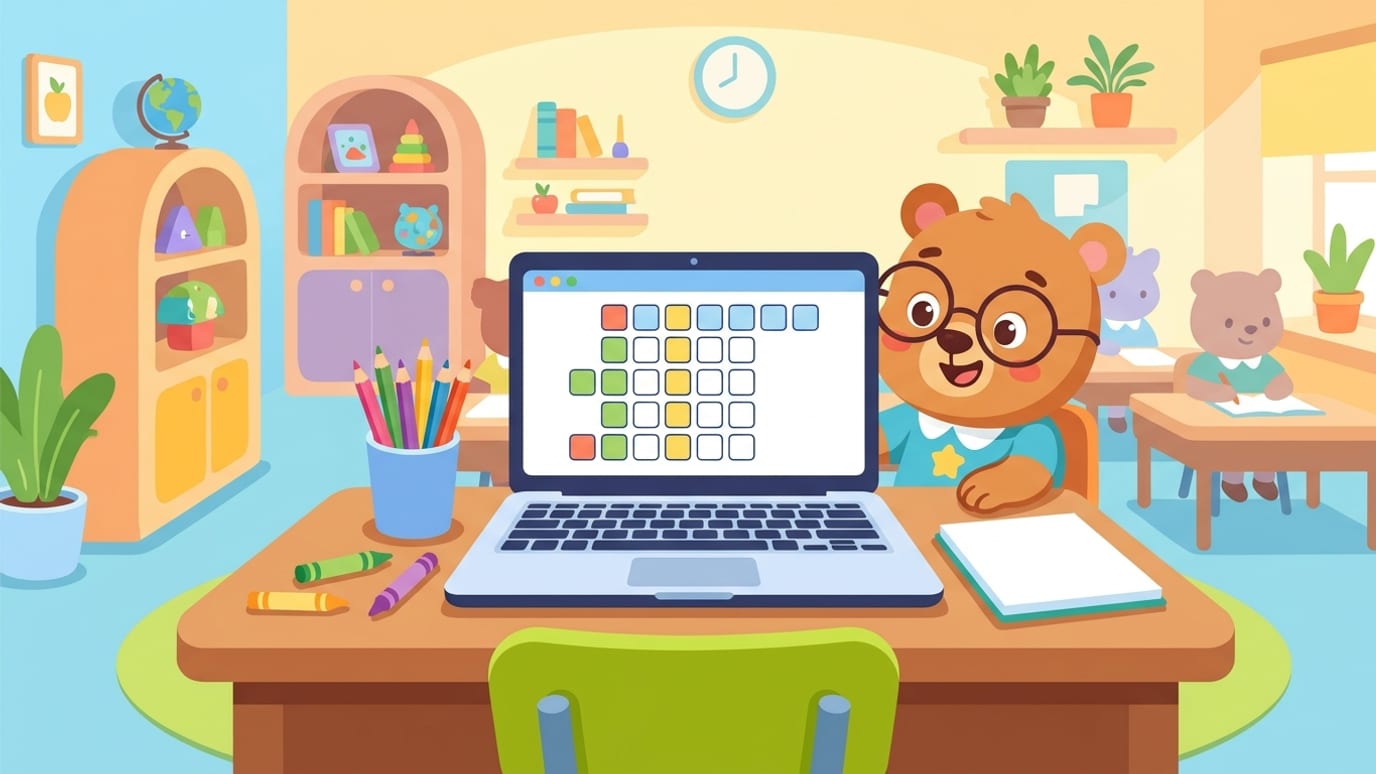
When the children arrive in the morning, open a simple word puzzle on the classroom display board. You can project a crossword or a word grid for the whole class to see together. Ask children to take turns calling out letters or spelling patterns they spot on the screen. Because no account is required to play, you can load the page instantly without wasting precious teaching time on login screens or passwords.
For children aged roughly 5 to 14, free browser games like the ones available on Shravya Playhouse provide a straightforward option for daily word recognition. You will find activities ranging from crosswords and word grids to missing letters and scrambled sentences. These require zero setup beyond opening your browser tab.
Keeping Transitions Calm and Focused
Short digital spelling activities also work well when you need to transition between subjects, such as moving from recess back to quiet reading. Projecting a quick puzzle gives the children a shared focus. They naturally start whispering spelling hints to one another, turning a routine waiting period into a cooperative word game.
By keeping the tools simple and relying on browser-based puzzles that load in seconds, you can weave spelling practice into your daily schedule without adding to your evening lesson planning.